
Highlights
This week focused on smoothing interactive workflows and device interactions across the CLI and web experience. Improvements to input controls and serial monitoring make everyday tasks faster to perform and easier to verify.New features
Interactive CLI history and controls
You can now navigate previously sent prompts with the Up and Down arrow keys, making it faster to recall and reuse earlier commands. History deduplicates consecutive entries and resets on submit so navigation feels natural, and Ctrl+C now reliably exits from intermediate states for more predictable control.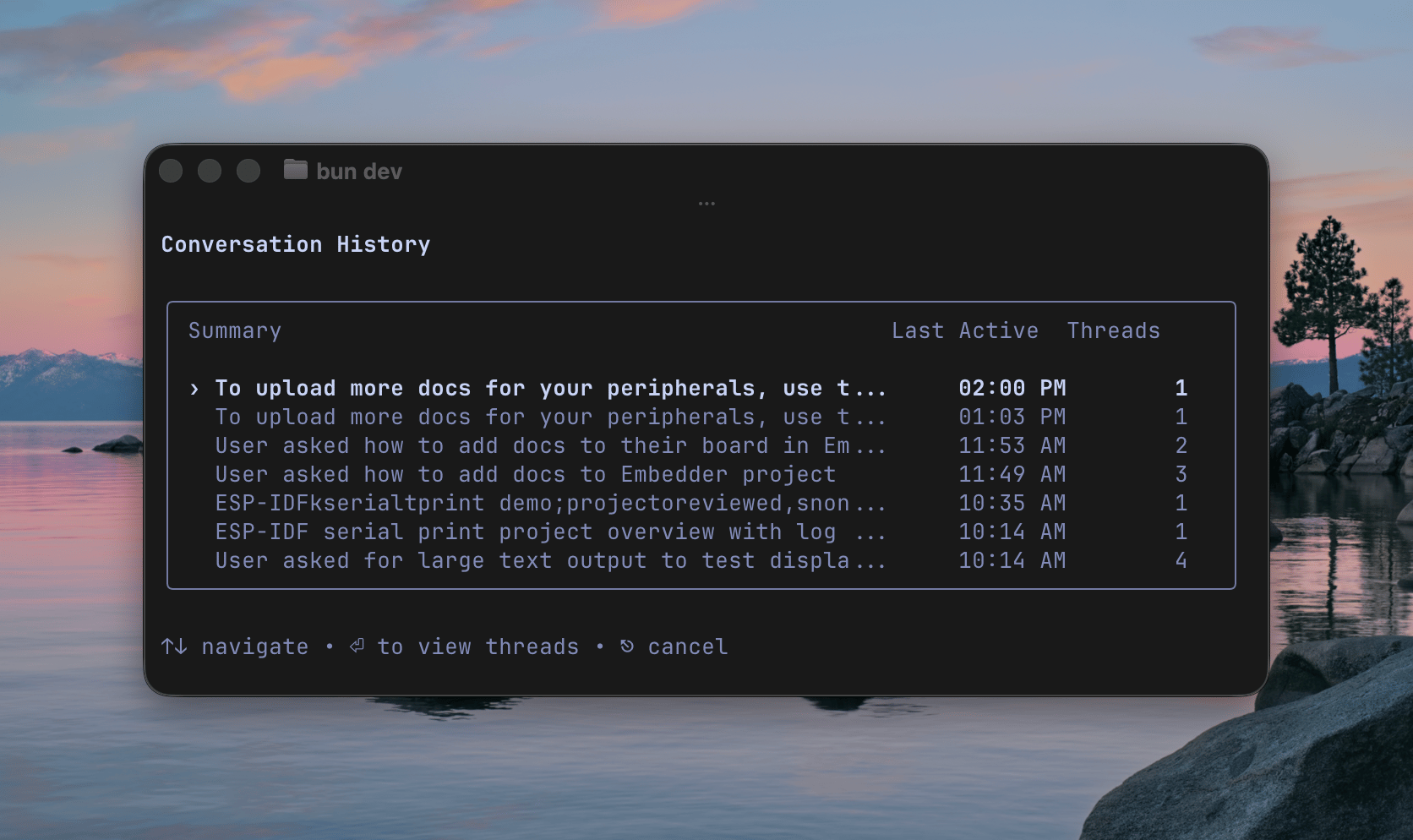
Conversation history showing previous sessions with timestamps and thread counts
Miscellaneous
Enhancements
Enhancements
- Serial monitor and bash mode
- Improved shell tool description for PowerShell on Windows
- Improved line truncation and path display in shell tool
- Improved toolchain path handling
Bug Fixes
Bug Fixes
- Fixed CLI crash
- Fixed 404 on fresh login