メインコンテンツへスキップ
このページでは、日常的によく使う手順をまとめます。プロジェクト作成、ハードウェア連携、開発、デバッグ、セッション管理までをカバーします。

新規プロジェクト開始

1

プロジェクト作成 / 選択

embedder
/project
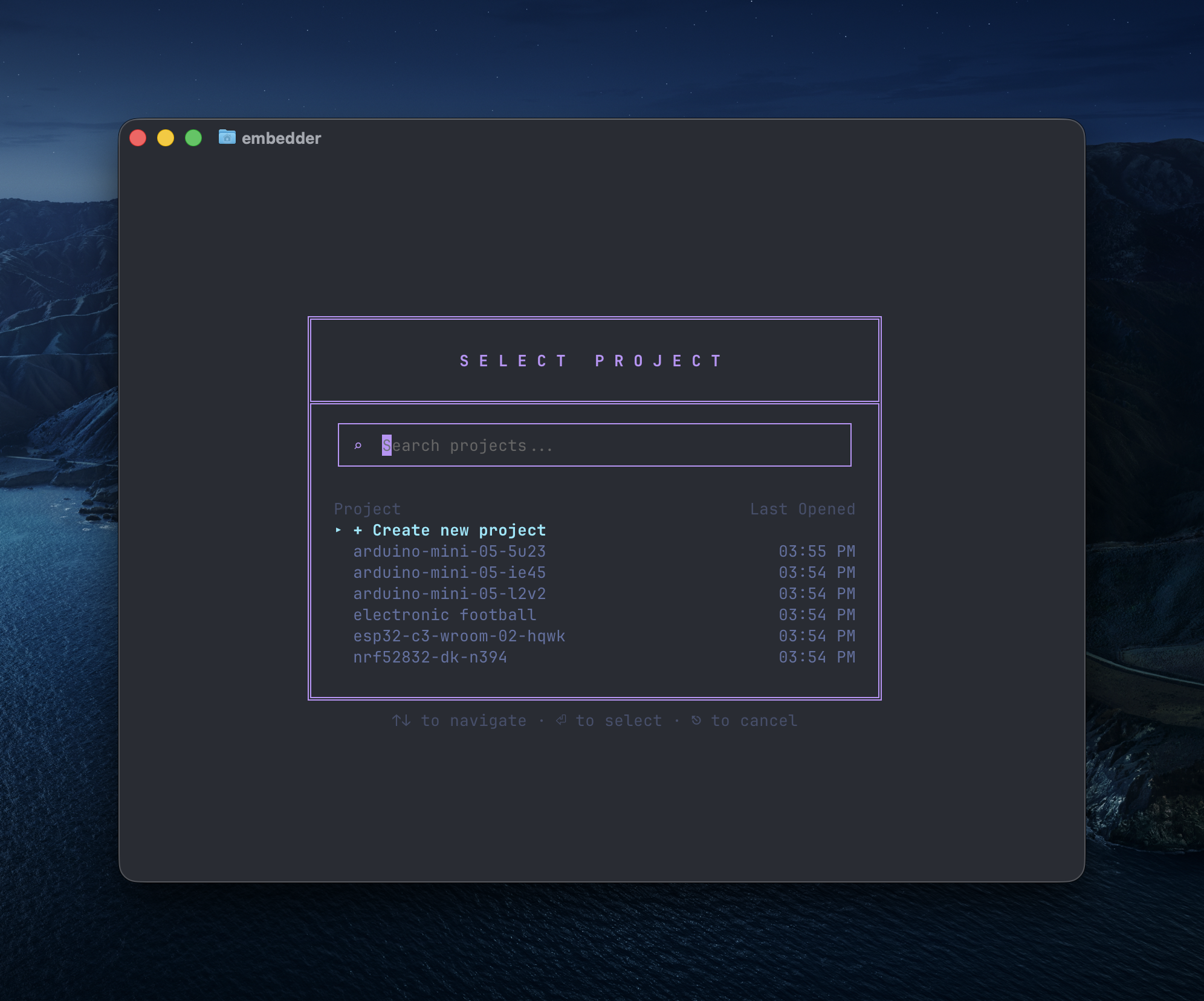
検索ボックス、新規作成ボタン、既存プロジェクト一覧を表示する画面
2

プラットフォーム選択

カタログから選択、または独自プラットフォームを追加します。
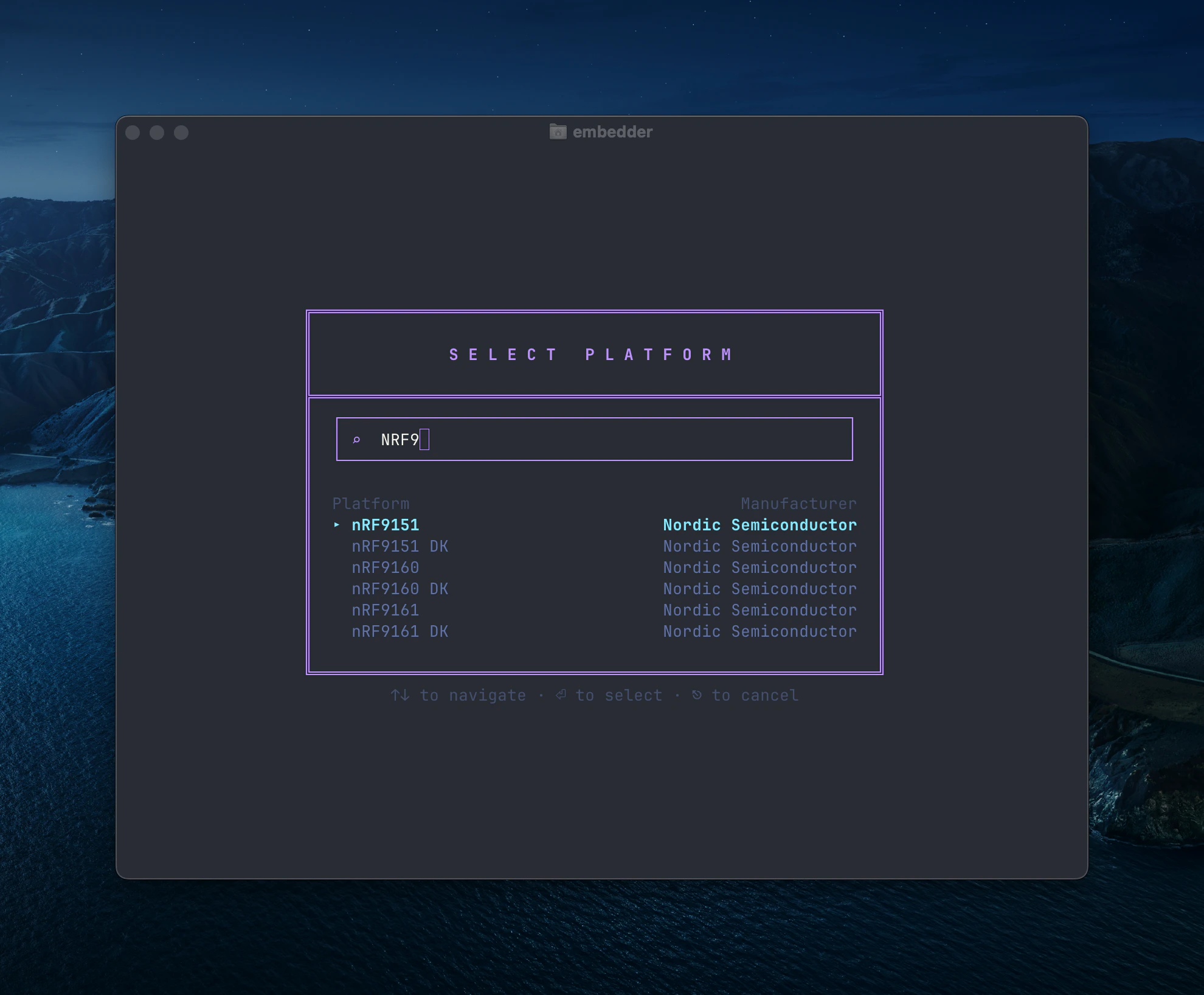
Nordic の nRF9xxx を表示するプラットフォーム選択ダイアログ
独自追加時は + Add "[platform name]" を使い、必要ドキュメントをアップロードします。
3

周辺機器追加

利用する I2C/SPI/UART などの周辺機器を選択します。
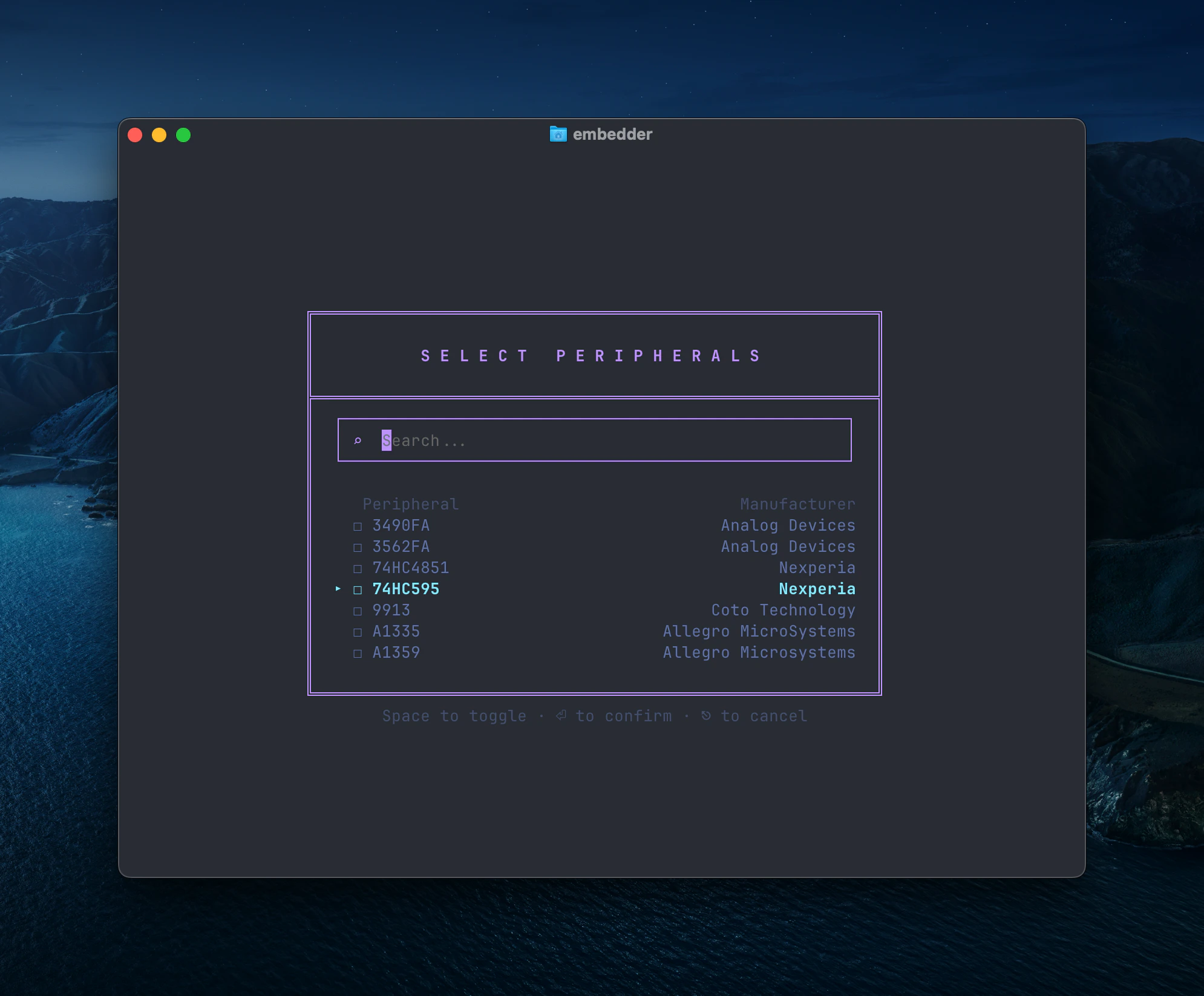
複数メーカーの部品を表示する周辺機器選択ダイアログ
後で /peripheral を再実行すれば変更できます。
4

EMBEDDER.md 生成

embedder
/init
プロジェクト固有ルールを初期化します。

ハードウェア連携

シリアルモニター

Embedder
/serial
または Ctrl+` で切り替えます。 自動接続を無効化したい場合:
Embedder
> don't auto-connect to serial after flashing
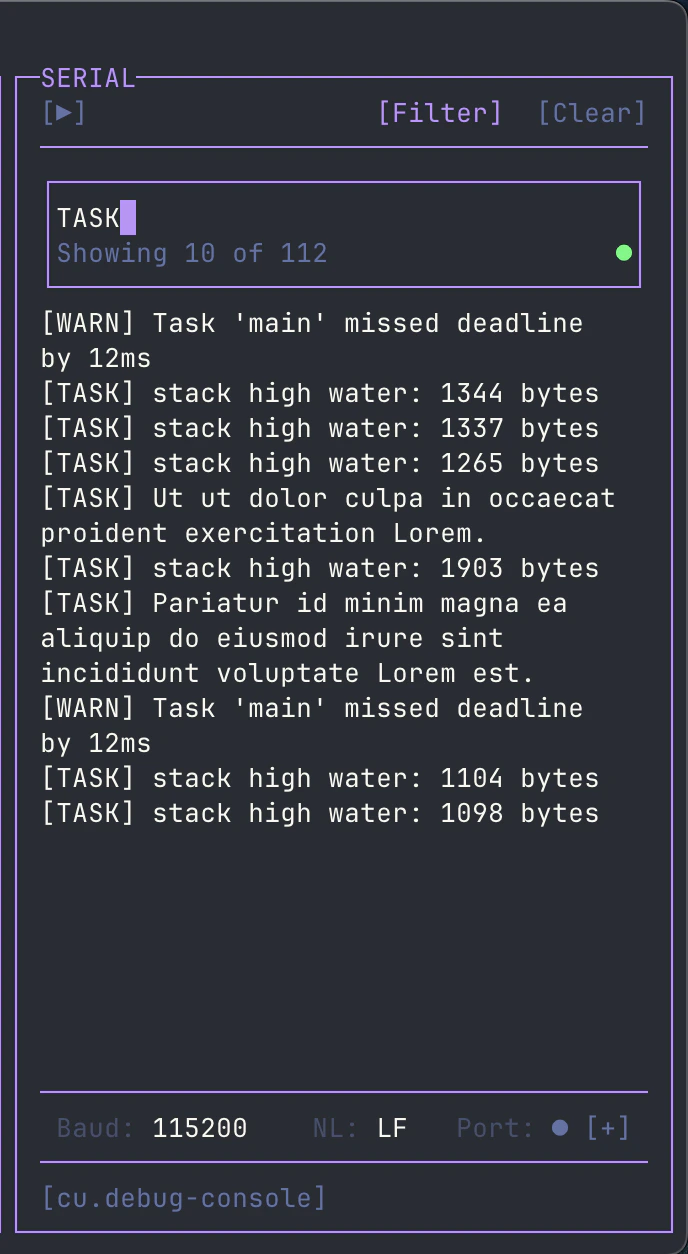
ノイズが多い場合は [Filter] で regex フィルタを使います。
正規表現でログを絞り込むシリアルフィルタ画面

ファームウェア開発

ドライバ実装

Embedder
> write an I2C driver for the BME280 sensor on I2C1 (SDA=PB7, SCL=PB6).
> include functions for reading temperature, humidity, and pressure.
Embedder
> create a UART driver for GPS module on UART2 at 9600 baud.
> implement a ring buffer for RX and parse NMEA sentences.
Embedder
> implement SPI driver for the SD card module on SPI1.
> include initialization and single block read/write.

ビルド / 書き込み

1

依存関係の導入

Embedder
> help me install the dependencies for this project
2

ビルド

Embedder
> build the project
3

書き込み

Embedder
> flash the firmware to the device
4

ビルド + 書き込み + 監視

Embedder
> build and flash, then show me the serial output

シリアル出力でデバッグ

Embedder
> what's causing this error in the serial output?
Embedder
> the device keeps resetting, analyze the crash dump
Embedder
> add debug prints to trace the initialization sequence

Plan モードと Act モード

  • Act: 読み書き・実行可能(実装向け)
  • Plan: 読み取り中心(調査・設計向け)
切替:Shift+Tab/plan/act

ドキュメント活用

/console からデータシートや補足資料を追加アップロードできます。
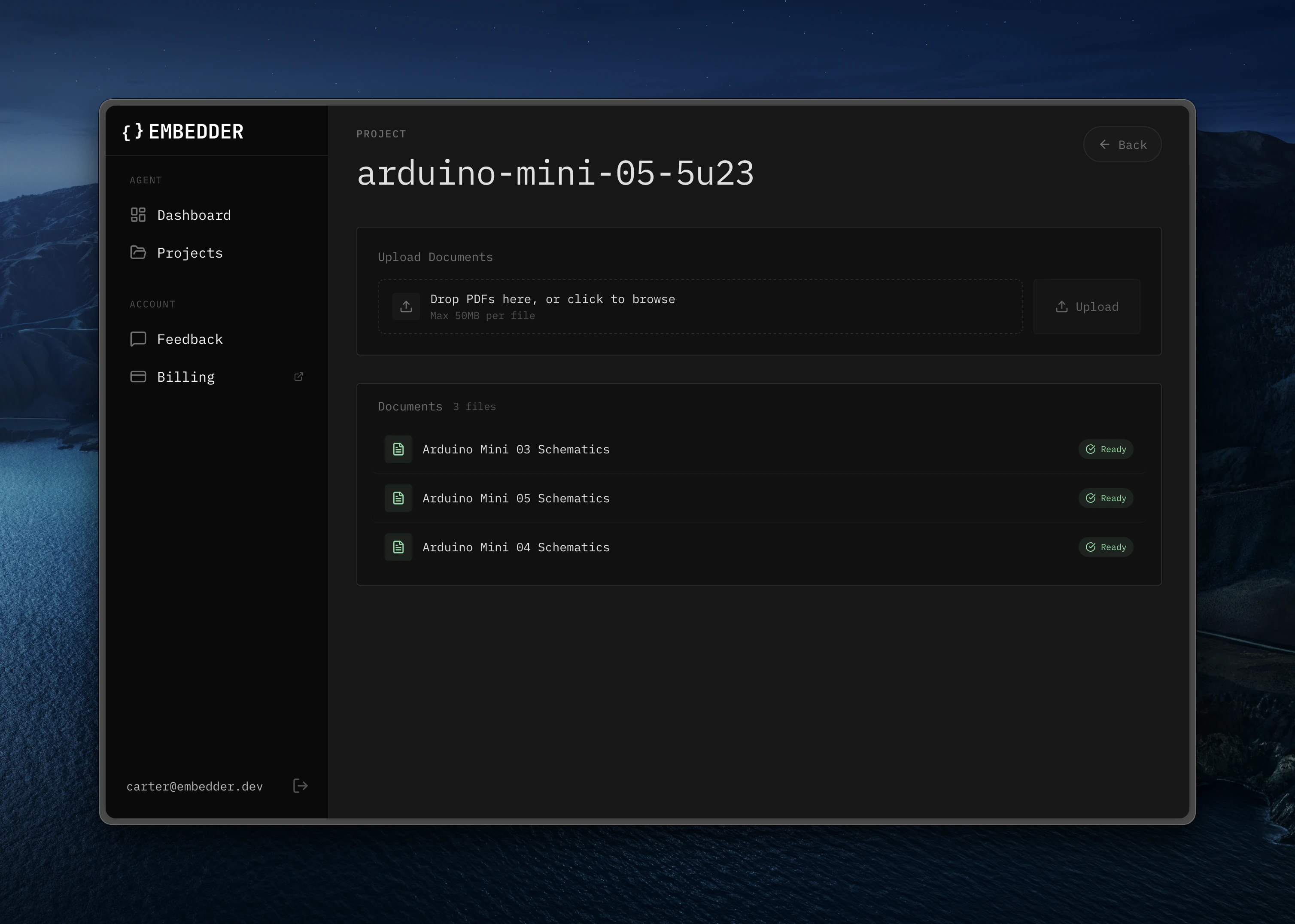
Web アプリのドキュメントアップロード領域
例:
Embedder
> what's the maximum I2C clock speed for this sensor?
Embedder
> show me the register map for the accelerometer

Bash モード

! プレフィックスで AI を介さず直接実行できます。
!ls -la
!make clean
!git status

シリアル送信モード

~ プレフィックスで MCU に直接送信します。
embedder
~help
~reset
~get status

@ でファイル参照

Embedder
> explain the logic in @src/main.c
Embedder
> what's in @src/drivers/?

セッション管理

Embedder
/project
/history
/compress

クイックリファレンス

用途コマンド / ショートカット
新規セットアップ/project -> /peripheral -> /init
シリアル表示/serial または Ctrl+`
モード切替Shift+Tab または /plan /act
ファイル参照プロンプト内で @filename
Bash 直実行!command
シリアル送信~message
取り消し/undo または Ctrl+Z
巻き戻し/rewind または Ctrl+Z (2x)
ヘルプ/help
Last modified on March 5, 2026